Easy to Use Specification Writing Products and Templates

How to Make Your Own Office Master Specification

This Tip looks at the easiest way to have your own office Specification.

ArchiAssist is all about getting your Specs done easily and fast.

The main tool for doing this is the ‘Read & Delete’ system, where you just read through the master Spec and delete what you don’t want in your project.  What is left over is your Spec.

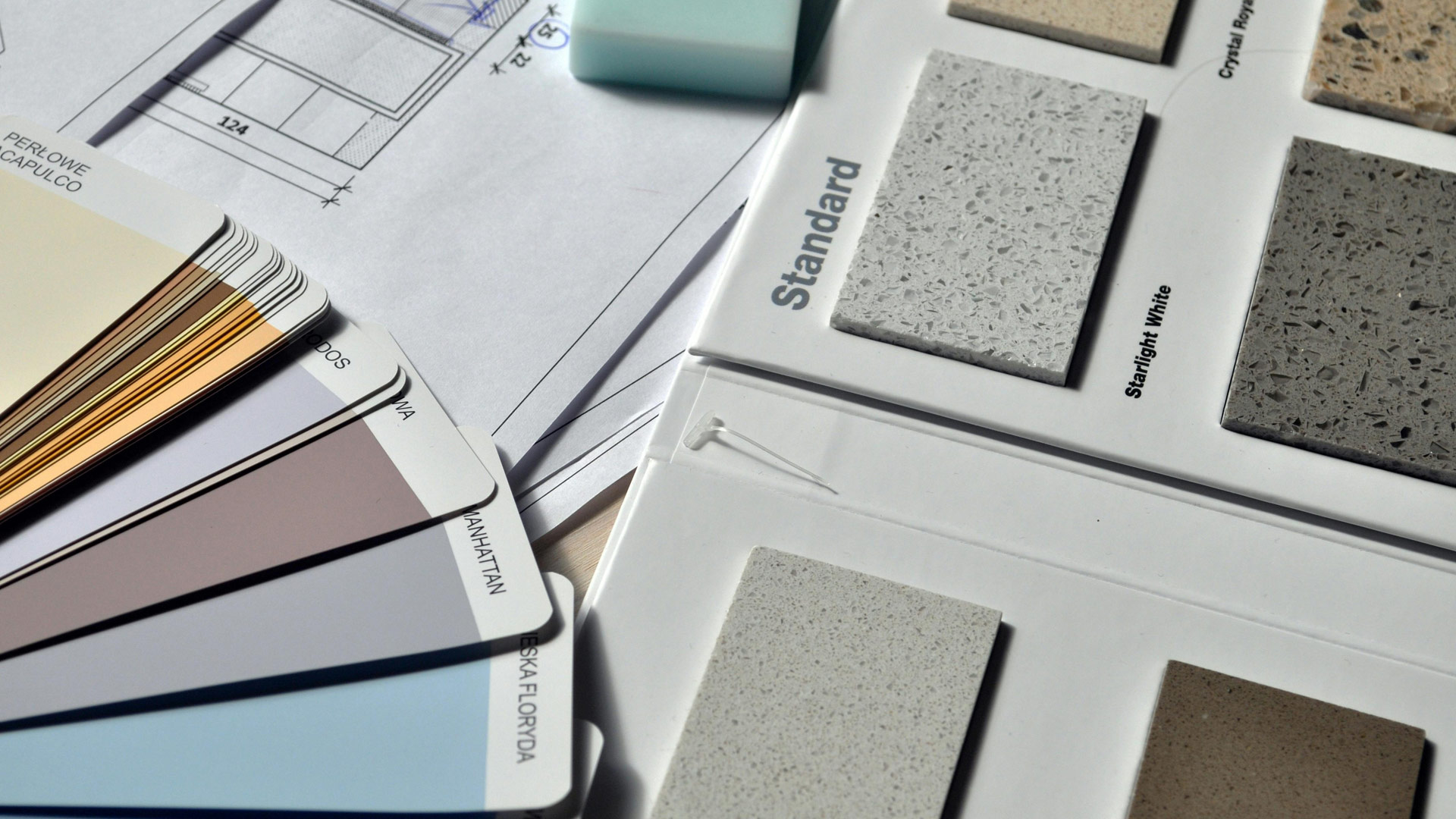
Put your project specific selections (products, colours, arrangements, sizes, etc) on the drawings or in the schedules.  The Spec is not the place for these things as they get buried and putting them in the Spec just takes too much time and effort.

The Spec becomes your back-up document, while the drawings and schedules are the ‘go-to’ documents for fast immediate answers.

Another time saver is making your own office master from the ArchiAssist master.  Copy the ArchiAssist Master to become your new ‘office master’.  In this new master, edit out all the detail that you will never use.  When updates come through, copy over any updates that apply to your office Master.

There are other ways to make Spec writing easy and fast and it’s all in ‘The Guide’, which you should be reading anyway for your first Spec or as a refresher before doing your next Spec.

When you are used to the ArchiAssist system, writing a Spec for any project should not take longer than a day.

PROMOTIONAL NOTE:  The ArchiAssist Specification resolves in a reasonable way, all the negative outcomes relating to the issues presented in this advisory.

To know more about ArchiAssist, you can download a FREE SAMPLE Specification from the website.

Sample Specifications

Architectural Specification Sample

Landscape Specification Sample

Architectural crane

Architectural Full-version
Specification Sample

Providing your details allows you to access the sample. You will also periodically receive some messages from ArchiAssist. ArchiAssist will keep your details confidential.

Landscape park pond

Landscape Full-version
Specification Sample

Providing your details allows you to access the sample. You will also periodically receive some messages from ArchiAssist. ArchiAssist will keep your details confidential.

Architectural Specification Products

Architectural – D&C
Specification Sample

Providing your details allows you to access the sample. You will also periodically receive some messages from ArchiAssist. ArchiAssist will keep your details confidential.

Architectural Specification Products

Interiors D&C
Specification Sample

Providing your details allows you to access the sample. You will also periodically receive some messages from ArchiAssist. ArchiAssist will keep your details confidential.

Architectural Specification Products

Landscape – D&C
Specification Sample

Providing your details allows you to access the sample. You will also periodically receive some messages from ArchiAssist. ArchiAssist will keep your details confidential.

Interiors pallete texture

Interiors Full-version
Specification Sample

Providing your details allows you to access the sample. You will also periodically receive some messages from ArchiAssist. ArchiAssist will keep your details confidential.

  • This field is for validation purposes and should be left unchanged.